

- Using our SDKs
- Using the API
The SDK simplifies pre-recorded speech-to-text by abstracting upload, job creation, and result retrieval. Designed for developers, it offers:With customizable features:Example response:
The methods implemented in the sdk are automatically polling until success or errors.
To get the result with the cURL, you’ll just have to GET continuously on the given
- A
transcribe()for an end-to-end flow - Individual steps when you need control over each step.
Install the SDK
Transcribe in one call
End-to-end transcription — from upload to result in one call.Want to go further? See Audio Intelligence for add-ons like:
- Speaker diarization: separate the speakers across the conversation
- Translation: translate the transcript into one of our 100 target languages.
- PII redaction: detect and anonymize sensitive entities (ex: GDPR-related)
- Sentiment analysis: extract the main sentiment and up to 25 emotion
Individual steps
The building blocks behindtranscribe() — upload audio, create a job, then retrieve the result when you need finer control over the flow.Upload your audio
Upload a local file and pass the returnedaudio_url to the next step.Create a transcription job
Pass theaudio_url from the previous step along with your transcription options.Get the transcription result
You can get your transcription results in 3 different ways:Polling
Polling
result_url until the status
of your transcription is done.You can get more information on the different transcriptions status by checking directly the API Reference.Webhook
Webhook
You can configure webhooks at https://app.gladia.io/webhooks to be notified when your transcriptions are done.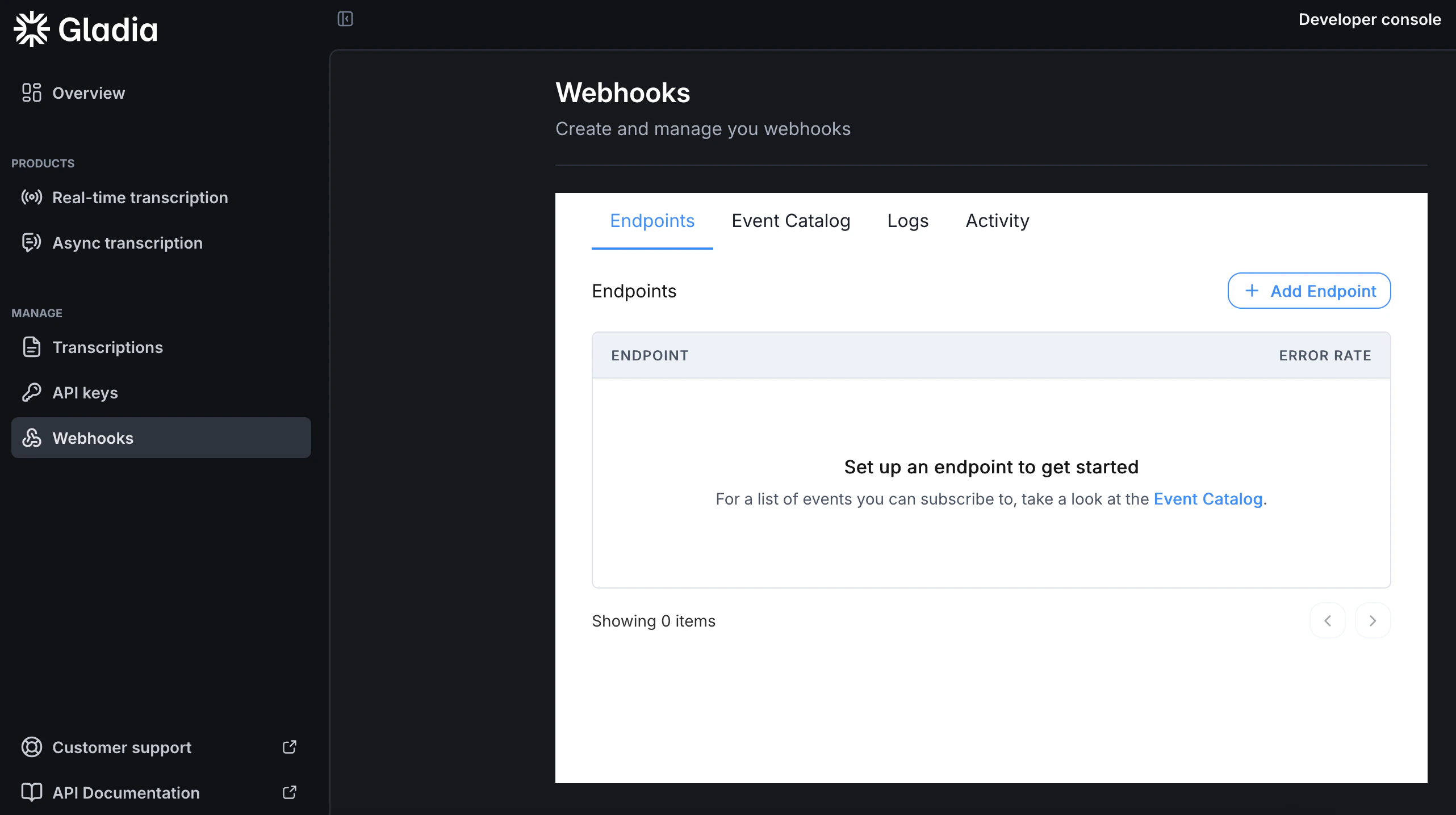
For the full body definition, check our API definition.
POST request will be made to the endpoint you configured. The request body is a JSON object containing the transcription id that you can use to retrieve your result with our API.For the full body definition, check our API definition.
Callback URL
Callback URL
Callback are HTTP calls that you can use to get notified when your transcripts are ready.Instead of polling and keeping your server busy and maintaining work, you can use the Once the transcription is done, a request will be made to the url you provided in
callback feature to receive the result to a specified endpoint:callback_config.url using the HTTP method you provided in callback_config.method.
Allowed methods are POST and PUT with the default being POST.The request body is a JSON object containing the transcription id and an event property that tells you if it’s a success or an error.For file size, duration, and concurrency limits, see Supported files & duration and Concurrency and rate limits.